Doom E1M1 Clone
Overview
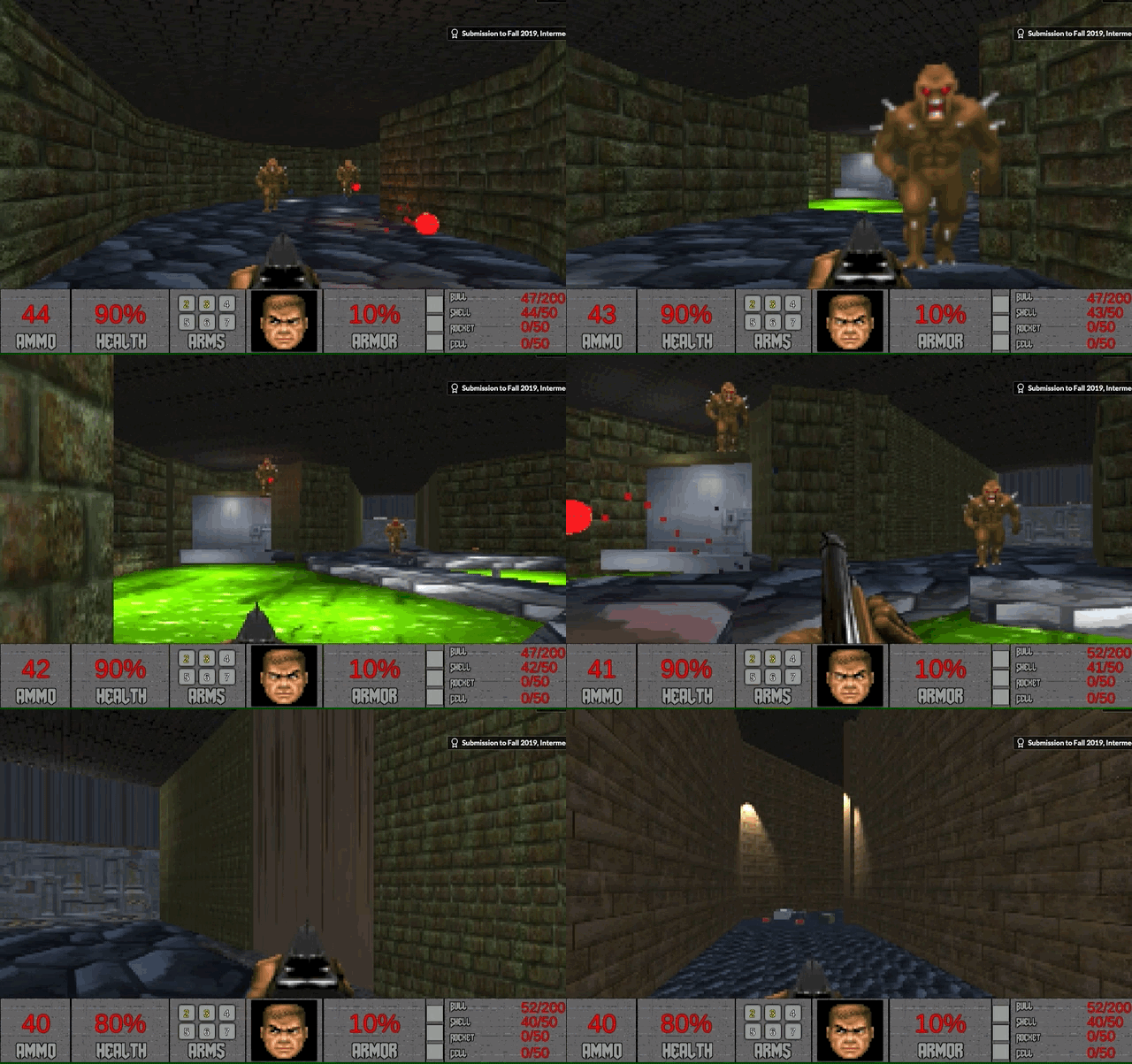
A seven-week recreation of the first level of id Software's 1993 Doom. Our team built original assets mirroring the initial textures, sounds, and code while preserving the spirit and atmosphere of the original level, down to its hidden secrets.
My responsibilities covered the head-bob and player movement systems, plus the pixelization post-processing effect.
Contributions
- Head-bob system: sine-wave camera motion tied to player input, tuned per-camera.
- Player movement tuned to the keyboard-only feel of the 1993 original.
- Pixelization shader: a camera post-process that mimics Doom's low-res period look.
Head Bobbing
Head-bob implementation
Sine wave, tied to input
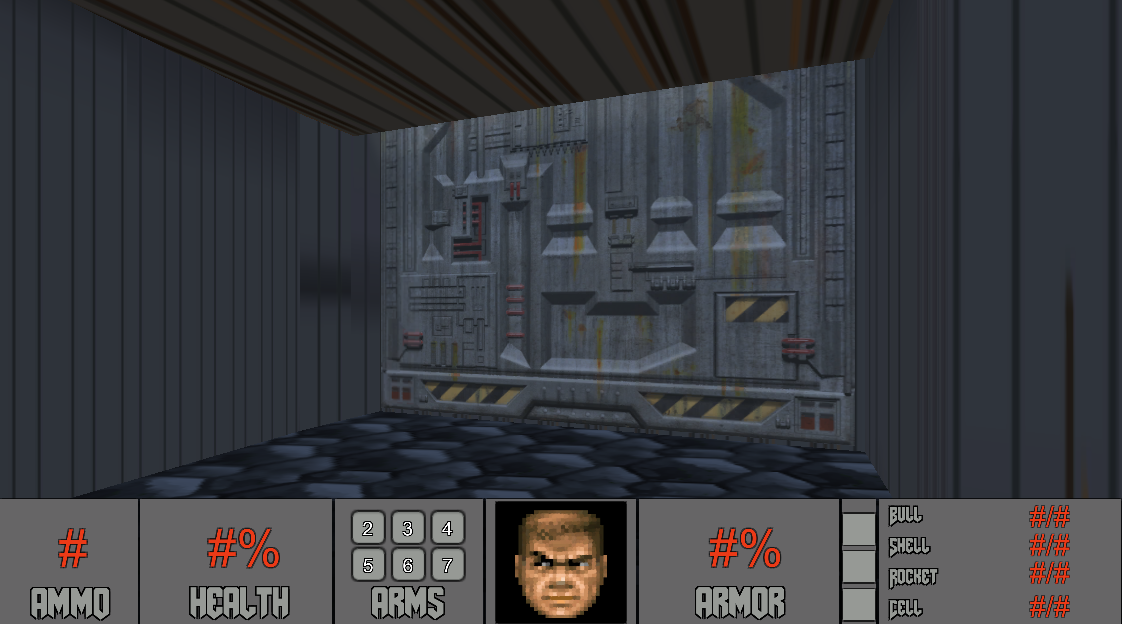
A "head-bob" feature enhances immersion by simulating natural up-and-down motion in the viewpoint during movement. The effect revolves around three core variables: bobbingSpeed (pace), bobbingHeight (intensity), and midpoint (base position). An isHeadBobbing flag triggers a rhythmic bobbing synchronized with player input, drawing a sine wave.
Our version runs two cameras, one for the viewpoint and one for the weapon. Both run the same script with different settings, keeping the keyboard-only feel of the original.
| 1 | public class HeadBob : MonoBehaviour |
| 2 | { |
| 3 | public float bobbingSpeed = 0.18f; |
| 4 | public float bobbingHeight = 0.2f; |
| 5 | public float midpoint = 1.8f; |
| 6 | public bool isHeadBobbing = true; |
| 7 | private float timer = 0.0f; |
| 8 | |
| 9 | void Update() |
| 10 | { |
| 11 | float waveslice = 0.0f; |
| 12 | float horizontal = Input.GetAxis("Horizontal"); |
| 13 | float vertical = Input.GetAxis("Vertical"); |
| 14 | Vector3 cSharpConversion = transform.localPosition; |
| 15 | |
| 16 | if (Mathf.Abs(horizontal) == 0 && Mathf.Abs(vertical) == 0) |
| 17 | { |
| 18 | timer = 0.0f; |
| 19 | } |
| 20 | else |
| 21 | { |
| 22 | waveslice = Mathf.Sin(timer); |
| 23 | timer = timer + bobbingSpeed; |
| 24 | if (timer > Mathf.PI * 2) |
| 25 | { |
| 26 | timer = timer - (Mathf.PI * 2); |
| 27 | } |
| 28 | } |
| 29 | |
| 30 | if (waveslice != 0) |
| 31 | { |
| 32 | float translateChange = waveslice * bobbingHeight; |
| 33 | float totalAxes = Mathf.Abs(horizontal) + Mathf.Abs(vertical); |
| 34 | totalAxes = Mathf.Clamp(totalAxes, 0.0f, 1.0f); |
| 35 | translateChange = totalAxes * translateChange; |
| 36 | |
| 37 | if (isHeadBobbing == true) |
| 38 | cSharpConversion.y = midpoint + translateChange; |
| 39 | else if (isHeadBobbing == false) |
| 40 | cSharpConversion.x = translateChange; |
| 41 | } |
| 42 | else |
| 43 | { |
| 44 | if (isHeadBobbing == true) |
| 45 | cSharpConversion.y = midpoint; |
| 46 | else if (isHeadBobbing == false) |
| 47 | cSharpConversion.x = 0; |
| 48 | } |
| 49 | |
| 50 | transform.localPosition = cSharpConversion; |
| 51 | } |
| 52 | } |
HeadBob.cs
The update loop collects horizontal and vertical input, advances a timer when the player is moving, and draws a sine wave whose amplitude scales with total axis input. The vertical offset writes to localPosition.y around midpoint. Zero allocation, no state beyond a single float.
Pixelization Post-Process
Pixelization · camera shader
Cheap period look
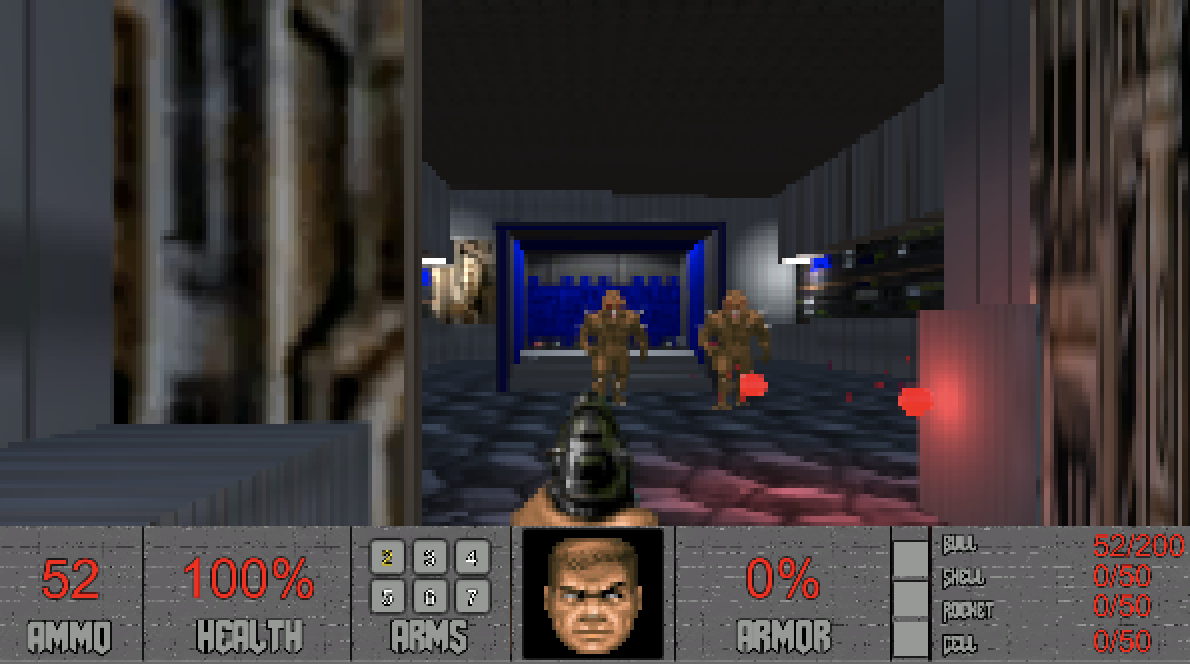
The pixelization post-processing simulates the graphic style of the original. Doom's engine displayed 3D environments derived from 2D floor plans, producing low-resolution visuals with graphic aliasing baked in.
Using Unity and custom assets, we applied a camera shader to replicate that look. It's a cost-effective approach that mirrors the period feel without reconstructing the renderer.